As we slowly approach the release of eM Client 11 Beta, we’ve been giving you a glimpse of the new features to look forward to. AI Summarize to get a quick overview of long conversation threads, Customizable message detail toolbar that will keep your frequently needed actions readily available, and many more.
We’d like to show you another new addition: the message pinning feature.
What can you look forward to?
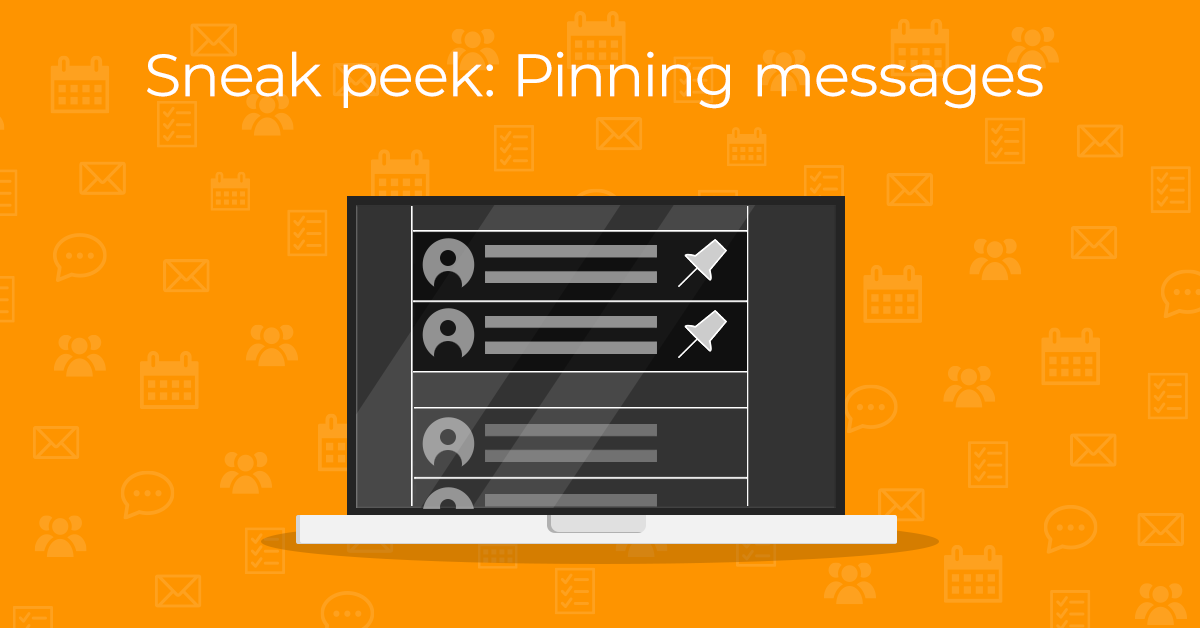
The pinning feature lets you pin a message – or even multiple messages – to the top of your message list. Select the message and pin it using the “Pin” button on the main toolbar.
The message will stay at the top of your message list until you unpin it, so you won’t have to spend extra time looking for that important email. Or use it as a simple reminder of that specific message you still want to reply to.
Pinned status synchronization will also be available for Exchange accounts and for IMAP accounts with custom flags capability.
Note: Please keep in mind that this is only a preview – the finalized features may vary in the officially released version of the app.