The eM Client 11 is getting ready to launch as we speak. In our new features sneak peek series we’ve already covered AI Summarize and Customizable message detail toolbar. But there’s still more on the way.
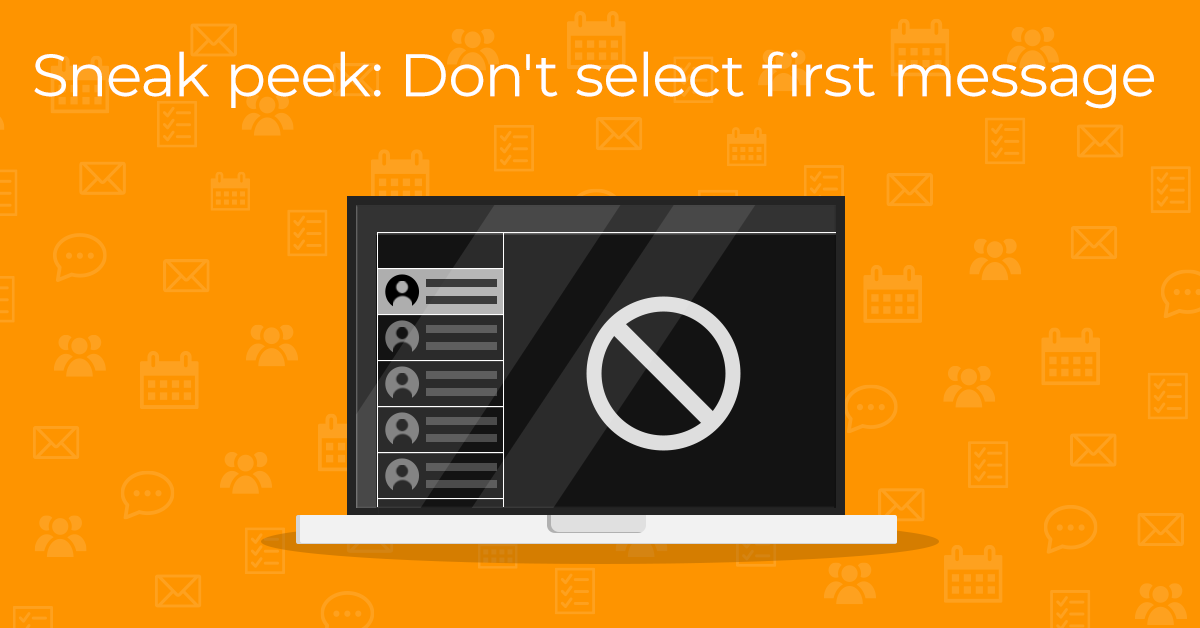
This time, we would like to introduce the option of not displaying the first message in a folder.
What can you look forward to?
You might not want to always automatically view the first message in a folder - be it for convenience or security concerns. In eM Client 11, we have implemented the ability to opt out of this behavior altogether in Settings > Mail > Read > Message List. Just uncheck the Select first message in the list box.
Note: Please keep in mind that this is only a preview - the finalized features may vary in the officially released version of the app.
This feature will be available in eM Client 11 for all users.