Last year, Google announced its plan to shut down the Gmailify service and the “Check mail from other accounts” feature.
These changes affect millions of people’s workflows - especially power users, freelancers, small businesses, multi-account email users, and domain email owners.
So, what does this shift mean, and how do you get your workflow back on track?
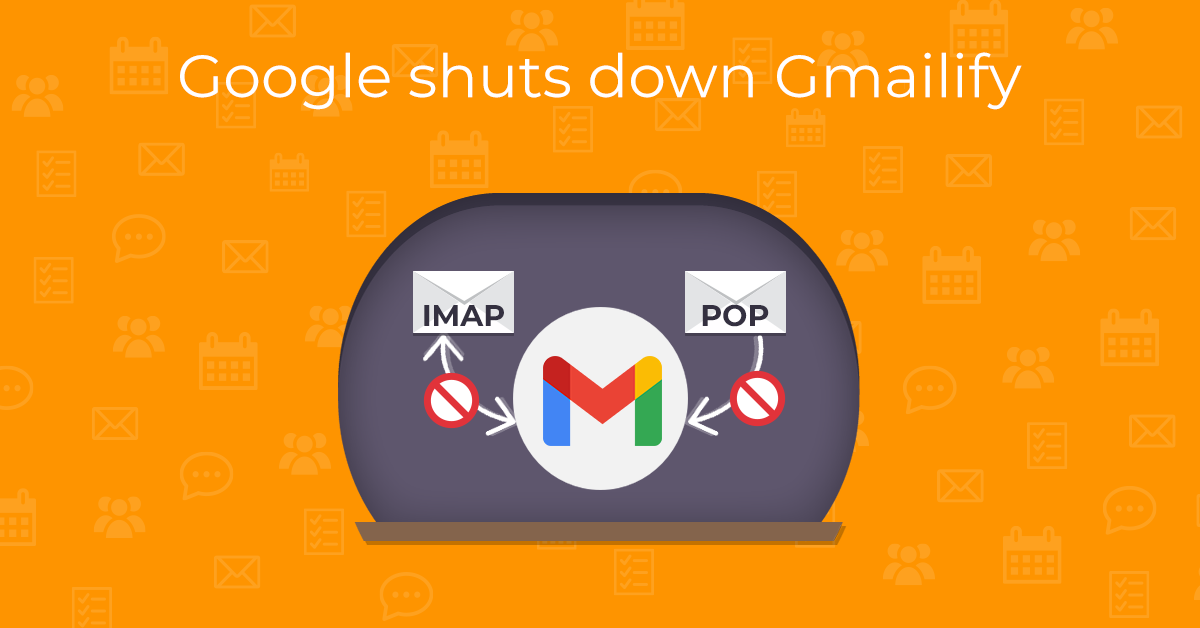
How Gmailify and “Check mail from other accounts” worked
Gmailify allowed users to connect their non-Gmail email accounts and use them as if they were a Gmail account without actually migrating them. This meant taking advantage of all the Gmail features like spam filtering, search, labels, and categories, but with any email account provider.
Check mail from other accounts used POP3 to download emails from other email providers. Unlike Gmailify, this service didn’t provide live two-way sync or full Gmail feature support on the original account. It simply copied emails from external accounts into Gmail, where they could then be searched or labeled locally, but actions in Gmail didn’t affect the original inbox.
POP3 (Post Office Protocol 3) is still used by many email services today, not just Gmail. It’s a standard email protocol that downloads messages from a server to a local client. With the POP3 protocol, any email client can pull emails from a server and make them available for offline reading. Optionally, the original copies can be removed from the server after they’re downloaded.
Gmailify and POP3 service change: the timeline
The initial announcement was published in October 2025, and after a migration period, deprecation started in January 2026.
During the first quarter of 2026, new Gmail users are being blocked from using the two services, and no new emails can be added, even for current users. Google will begin disabling connected accounts for current users in batches. And with the full discontinuation of Gmailify and Gmail’s “Check mail from other accounts” feature in late 2026, users should transition to email forwarding or use a full email client as soon as possible.
Why is Google’s POP3 download and Gmailify ending?
Google hasn’t fully explained this decision. Ending support for POP3-based mail fetching in Gmail and Gmailify was likely driven by a combination of factors.
Email services have increasingly moved away from POP3 toward IMAP and real-time synchronization. Unlike IMAP, POP3 stores emails locally, which can be useful for simpler workflows on a single device, but requires managing on-device storage. IMAP is generally better suited for modern email use, with features like multi-device synchronization across all folders and server-based storage.
Gmail also appears to be simplifying its overall architecture by limiting deeper integration with external providers and reducing maintenance costs.
From a business perspective, Google has a clear incentive to encourage users to only use Gmail accounts or migrate their custom domains to Google Workspace. In practice, this nudges users deeper into Google’s ecosystem - a classic example of vendor lock-in, a trend that has become increasingly common across the industry.
How to replace Gmailify and manage multiple email accounts
While Google mentions using the Gmail mobile app with IMAP-based access, or using email forwarding. However, with either of these options, Gmail’s features won’t be applied to your external account’s messages.
So what’s the best solution? Use a third-party email client instead!
Email clients let you send, receive, and organize emails by connecting to your provider’s mail server directly using protocols like IMAP, Exchange, or POP3 to access email accounts. Desktop email clients also offer additional features to help manage inboxes across multiple accounts from different providers, and the incoming messages remain in their original form, including their headers. On top of that, many apps allow local email management and archiving, so you’re in control of your data.
On the other hand, third-party email clients might have a limited ability to apply Gmail features to external accounts and might miss other features you’re used to.
That said, the right email client can not only match Gmailify’s functionality, but significantly improve on it. And that’s where eM Client stands out.
eM Client as a strong replacement for Gmailify
Gmailify was designed to turn Gmail into a central hub for multiple accounts. eM Client can successfully replace this functionality - and expands on it. It connects to accounts directly using IMAP, Exchange, or even the POP3 protocol if the user prefers it. This means users can choose between real-time synchronization or more traditional setups, without depending on Gmail as a middleman.
At the same time, eM Client stands out in how well it integrates Gmail-specific features. When connected to a Gmail account, it synchronizes labels and supports threading, and even implements inbox categories like Primary, Social, and Promotions. The categories feature is available for non-Gmail accounts as well - for these, categories are assigned using eM Client’s own algorithm.
Overall, eM Client reflects much of Gmail’s structure instead of replacing it, helping preserve the familiar Gmail experience.
And beyond email, eM Client is an all-in-one productivity hub.
It combines email with calendar, tasks, contacts, notes, and chat in a single interface, reducing the need to switch between multiple apps. This experience extends seamlessly to mobile: eM Client offers a mobile app for iOS and Android that brings the same unified approach to phones and tablets.
Removing Gmailify and “Check mail from other accounts” makes Gmail less open. Instead of bringing other services in, users are now pushed toward fully committing to Google’s ecosystem. If that’s not what you want, eM Client is one of the clearest alternatives - it supports multiple providers, keeps the Gmail experience intact, and puts you back in control of how your email works.
New to eM Client?
Try it out! It's free and fabulous.
If you’re ready for more, buy Personal or Business
license and enjoy:
And in the meantime, check out our YouTube channel for how-to videos.