We have been polishing the upcoming eM Client 11, last time we showed you AI Summary, and now our features preview series continues with another reveal.
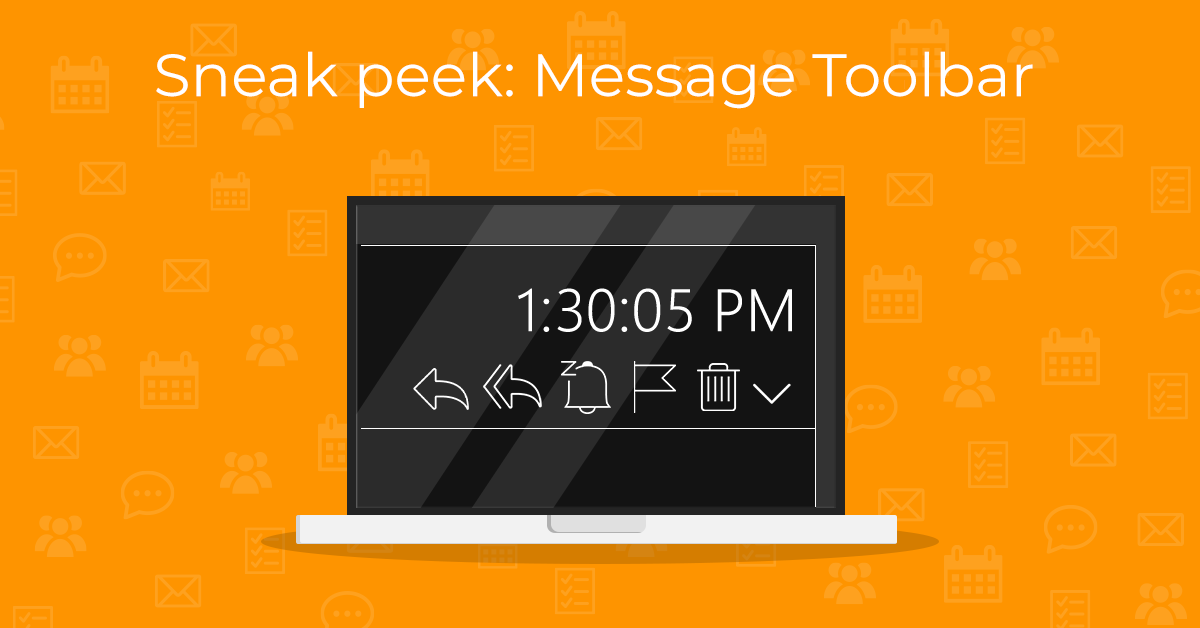
Today, we’re happy to inform you that the message detail will have its own adjustable toolbar!
What can you look forward to?
By default, the message toolbar will display the Reply, Reply all, and Forward buttons. You can tailor it to your needs by clicking the three-dots icon and selecting “Customize”. This way, all your frequently used actions will be easily accessible when you need them.
Note: Please keep in mind that this is only a preview - the finalized features may vary in the officially released version of the app.
The adjustable message toolbar feature will be available in eM Client 11 for all users.