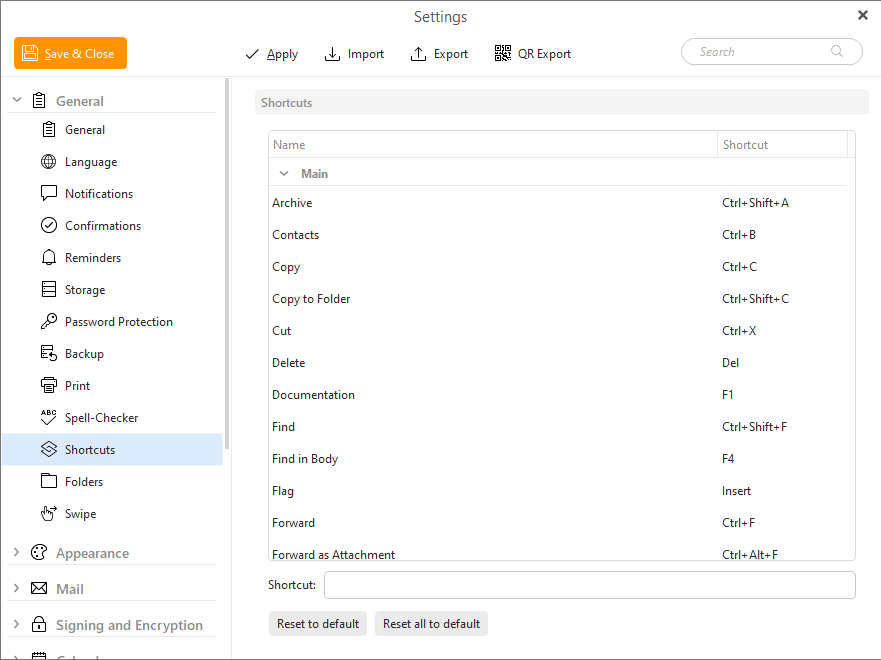
In this section of general settings you can adjust various shortcuts that you want to function in your application.
Shortcut section is divided into three subsections: Main, Mail and Send Mail.
To change a shortcut simply click on it in the list, and press the NEW shortcut you want to change on your keyboard - eM Client will detect it.
Click on Reset to default to reset the single selected function (for example Paste, Find... etc.) to the setting by default.
Click on Reset all to default to reset all shortcuts to the setting by default.
You can view all current shortcuts here - Shortcuts.