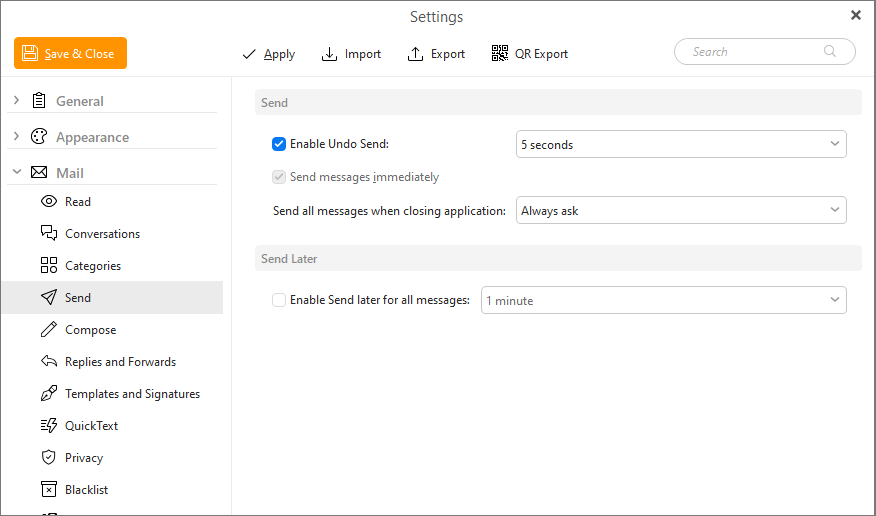
The Send Settings window:
Enable Undo Send - All messages will be held for 3, 5 or 10 seconds so you can hit the Undo button to return the message into Drafts folder and edit it.
Send messages immediately
Check this box to have your emails sent as soon as you click the Send button in the upper left corner of the New message window.
Otherwise the messages will be stored until you click the Refresh button on the toolbar or the Synchronization interval(set in General settings) passes.
Send all messages when closing the application
You can decide what should be done with unsent messages (messages still in Outbox folder) before the program is closed.
Enable Send later for all messages - All messages will be sent with a specific delay set in the X minutes field