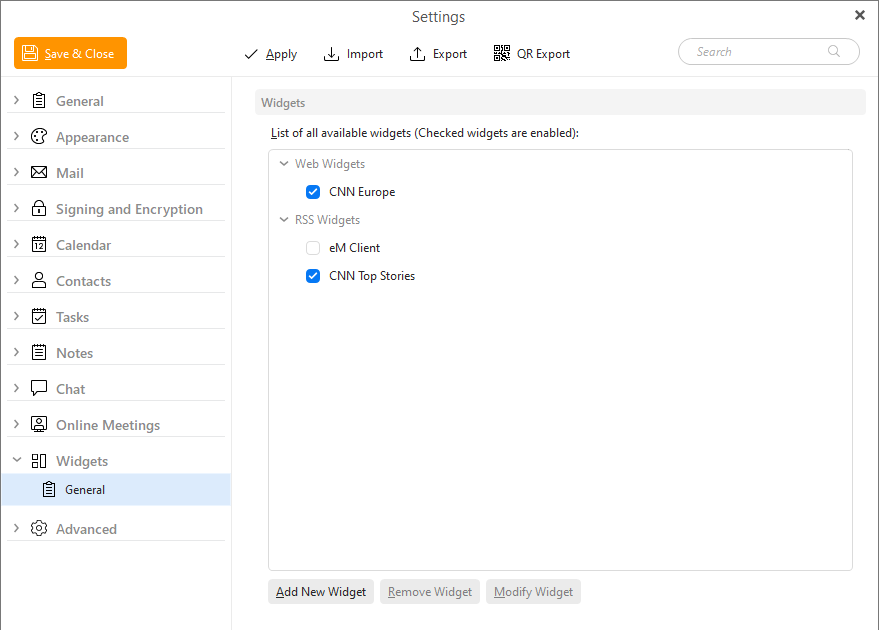
Widgets are useful add on applications that can be customized to personalize your account. You can use them to display your favorite web pages or to read the latest news from a RSS feed.
The Widgets Settings window:
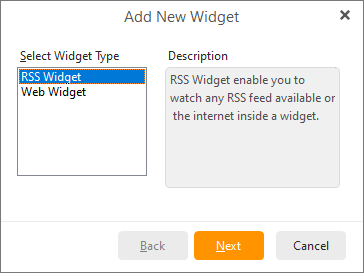
To create a new RSS widget, click the Add New button, select the RSS Widget and press Next >.
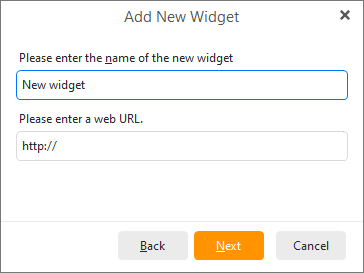
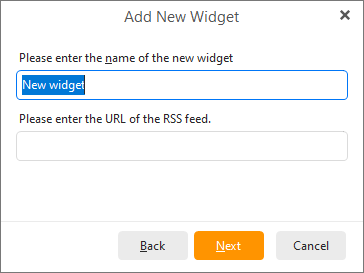
Enter an arbitrary name for your new widget and enter the URL of the desired RSS feed. A sample CNN news feed is shown in the picture below, you can find many RSS feeds using your favorite web search engine. The form of the URL may vary depending on the RSS feed provider.
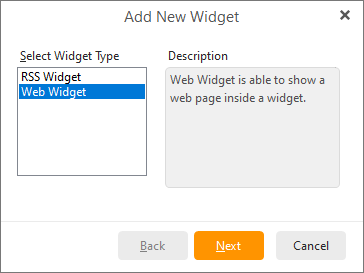
To create a new Web widget,click Add New Widget, select Web Widget and press Next >.
Enter a name for your new widget and enter the URL of the web page that you want to display.
You can simply delete existing widget by clicking on Remove Widget button and modify existing widget by clicking on the Modify Widget button.
By clicking on Modify Widget button, following window will appear:
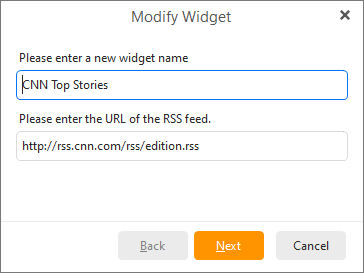
You can arbitrarily change the existing Widget's URL or name.