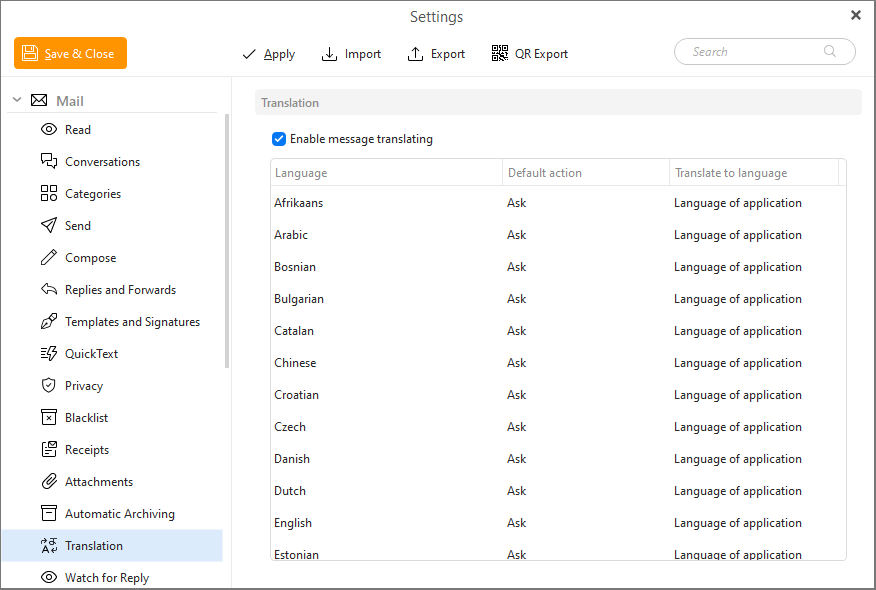
In this section you can disable or enable message translating. Furthermore you can set default actions (Ask or Never) for every language in the list and specify the target language (the language to which you want the source language to be translated) as well.
When you receive an email written in language different than in the language of the application, eM Client will automatically detect and ask you if you want to translate the foreign language to your default language.

Translations are powered by Lingvanex.