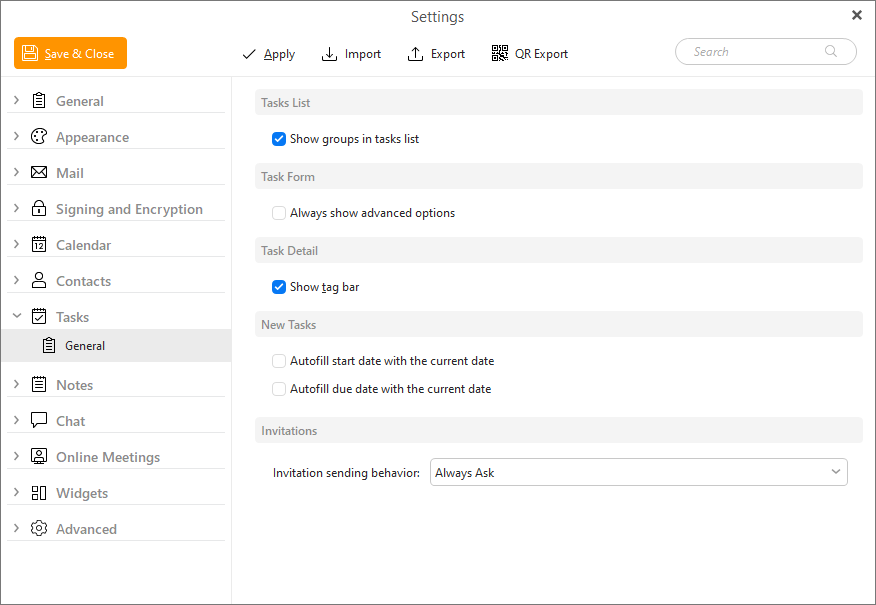
Here you can choose whether you would like to show groups in tasks List view.
By default, eM Client shows a shorter list of options in the New Task window, such as Dates and Name, but not others like Note/Details.
With this option all available fields for the task will be visible by default.
Show or hide the Tag bar that lists assigned tags or can be used to add/remove them in the top right corner of the Details view.
Using these checkboxes you can decide if either Start or Due date should be pre-filled with current date when you create a new task.
Using this selector you can decide what should be the default behavior for invitations when you add people to your task/assign a task to them.