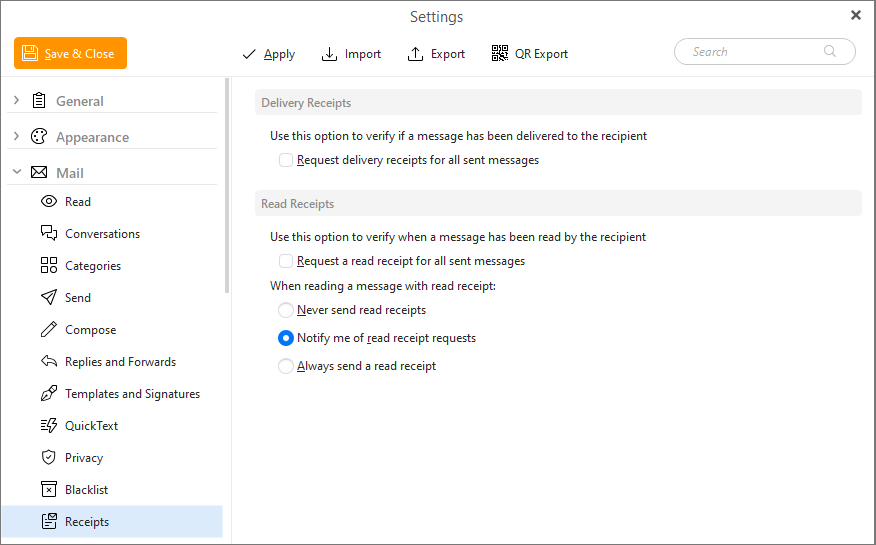
In this section you can set the behavior for sent and received receipts.
Check the Request a delivery receipt for all sent messages box to have an auto-generated confirmation message sent back to you when your message has been delivered to the recipient's server.
The recipeint's server is the one that needs to create this receipt which is sent back to you as an email. Some servers (such as Google) unfortunately do not support this feature to avoid spam.
Check the Request a read receipt for all sent messages box to have an auto-generated confirmation message sent back to you when the recipient of your messages has opened and read your messages.
Here you can specify whether you wish to Never send a read receipt or to be notified for every read receipt request to decide per-email if you want to send the receipt or not, or to always send a read receipt for your incoming emails.