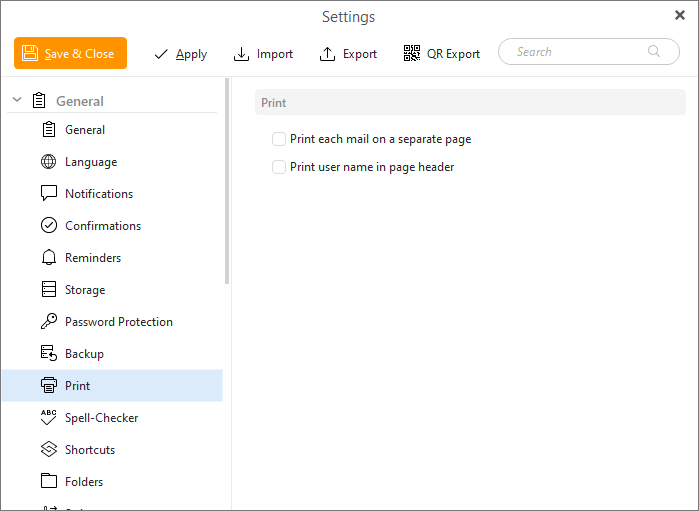
Here you can set up printing preferences.
Check Print each mail on a separate page to set the application to print each mail on a separate page when you are for example printing larger conversation.
Check Print user name in page header to adjust the application to display the application account's name in the header of the printed page. This can be, for example, useful when various eM Client users print emails on a single printing machine.