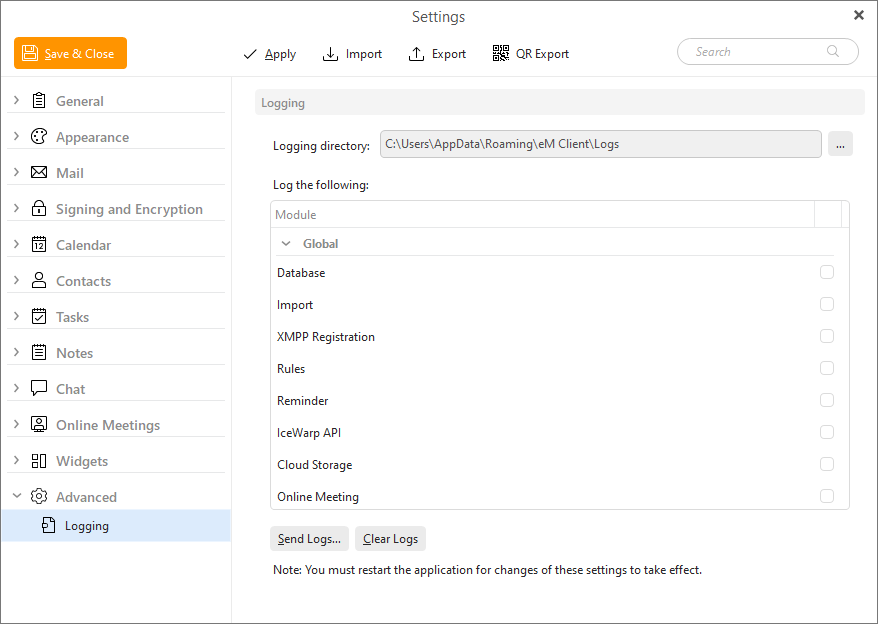
Logging enables generating of very detailed diagnostic log files into the selected logging directory. With every startup a new log file is created. Logs are generally useful for troubleshooting.
By clicking the three-dot button you can specify the directory in which you wish your logs to be saved.
You can choose to log following for different troubleshooting:
Global options:
Account-specific options:
These will be available depensing on what type of accounts you use, whether email (IMAP, POP, SMTP, Exchange), calendar and contacts (CalDAV, CardDAV, Google Calendar and Contacts) and more.
By clicking on the Send Logs button an email with the log files attached to it will be created and sent to eM Client team.
Clear Logs will delete all created log files so you can free up the space on your device from old files.