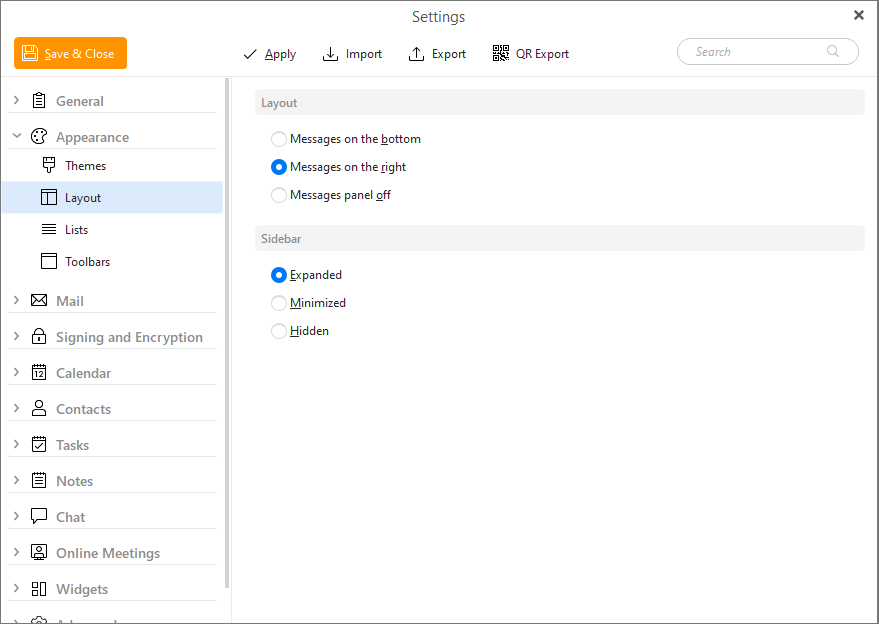
In this section you can select if you would like to have the messages displayed on the bottom, on the right or if you would like to have the messages panel off.
You also can choose between three options of the visual display of your sidebar. If you check the option Expanded your sidebar will appear in its full size on the right-hand side. By checking options Minimized and Hidden you can make your sidebar minimized (so it is still available via single click) or completely hide it from the main screen.