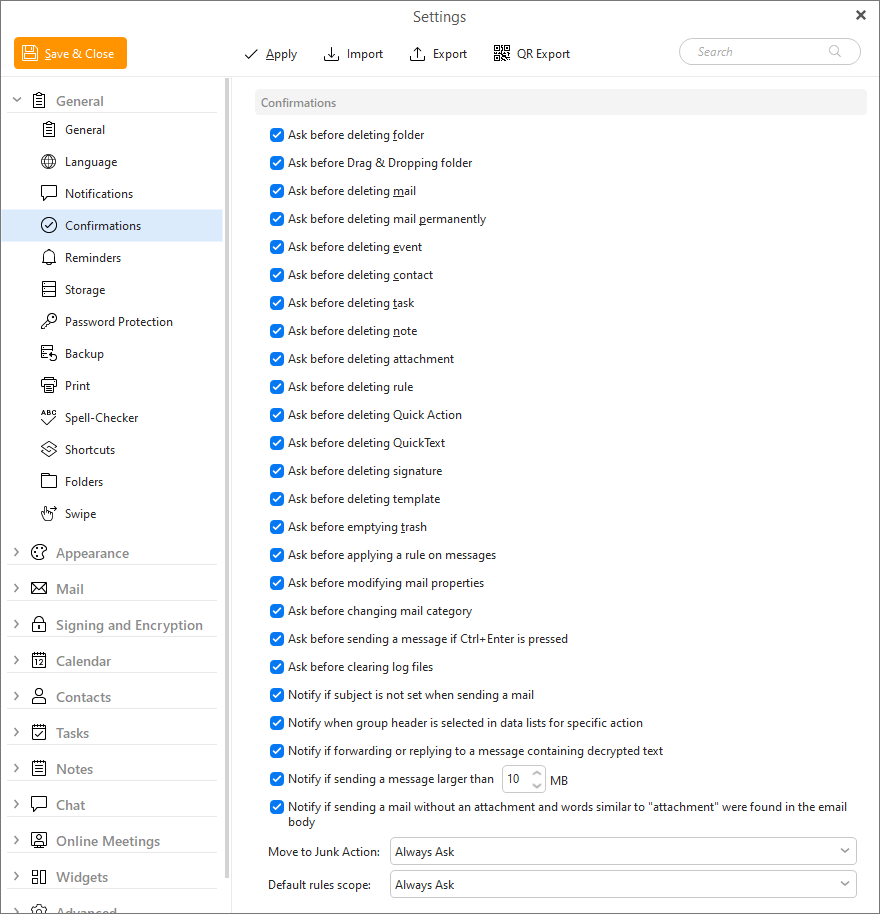
In this menu you can specify (by checking/un-checking the appropriate field) which actions will require confirmation by the user and when the user will be notified of important events.
Below the default settings for specific confirmation, you can find Move to Junk and Default rules scopes options.
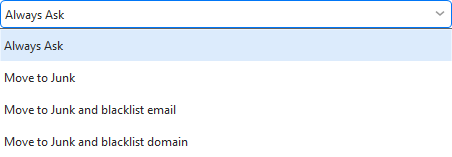
You can set up your Move to Junk Action by selecting one of the 3 options - 'Move to Junk', 'Move to Junk and blacklist email' and 'Move to Junk and blacklist domain'.
Action that you select here will be automatically performed when you hit the Move to Junk button.
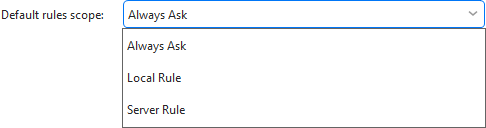
Default rules scope is used when you create a quick rule via right-click on the message and use the 'Create rule from Message' feature. You can either create local rule or server rule for accounts which can synchronize rules with the mail server, so your rule is applied no matter which device you check your email on.