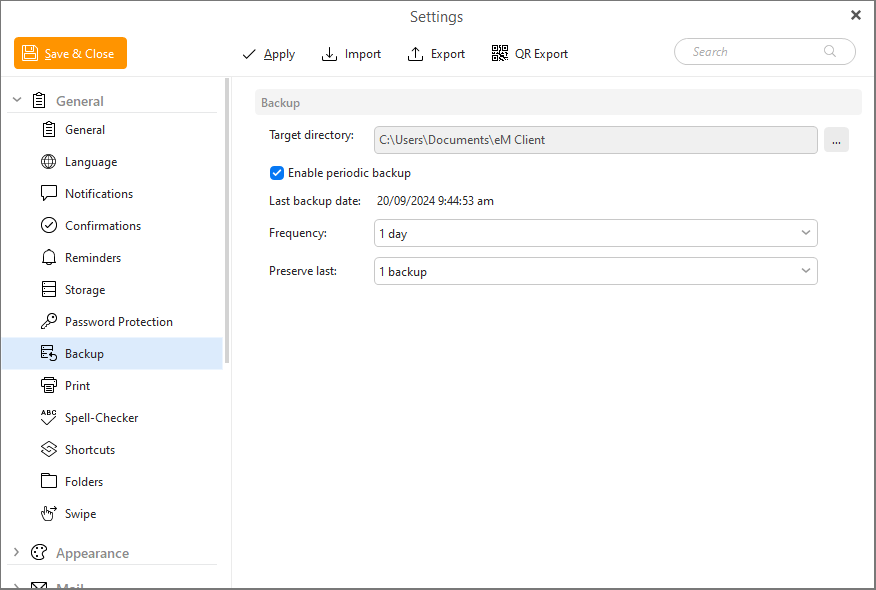
Here you can set up an E-mail backup.
click on  to select target directory for backing up your files.
Check Enable periodic backup to allow backup in your email client.
Set up your frequency of backup from the range of 1 day to 6 months. When the frequency which you have chosen will elapse, eM client will ask you if you are willing to back up.
The time of backup can be changed in Windows Task Scheduler.
You can select from 1 to 5 backups, which you would like to preserve saved and ready to be restored if needed.
Note: eM Client supports Live Backup, so it can create backups while the program is running.